The Operating System for
Molecular Simulation, Drug Discovery, Protein Engineering, Computational Chemistry, Structural Biology, Scientific AI
Build and run computational workflows across HPC and cloud without managing the infrastructure behind them.
Backed by and running at








The bottleneck is not the science. It is the setup.
Every team we talk to describes the same three costs.
Weeks
before the first job lands
20-40%
of research time spent on infrastructure once it does
A hire
the platform engineer nobody budgeted for
From conversations with research teams running their own infrastructure.
A screen is not one job. It is three jobs with different hardware.
Same pipeline, same total work. What changes is which stage sits on the GPU.
One machine for all three stages. The GPU sits there for prep and ranking too.
Sized for the predict stage, then held while prep and rank run on it anyway.
Each stage gets its own machine. GPU billed for the predict stage only.
You pay GPU rates for the stage that needs a GPU, and CPU rates for the two that do not.
Right-sized
Each stage asks for what that stage needs. Nothing is padded up to the size of the heaviest step in the pipeline.
Scale to zero
Capacity comes up for the job and goes away when it finishes. Nothing billed between runs.
Your own allocation
Send stages to the HPC hours your institution already pays for, and everything else to cloud, in the same pipeline.
One number
Compute, storage and egress in a single unit, priced before the run starts.
Wall-clock, not spend
Each item waits for the one before it to finish.
See how tiers and tokens work, or how Horus sits next to the other options.
Four steps, none of them infrastructure
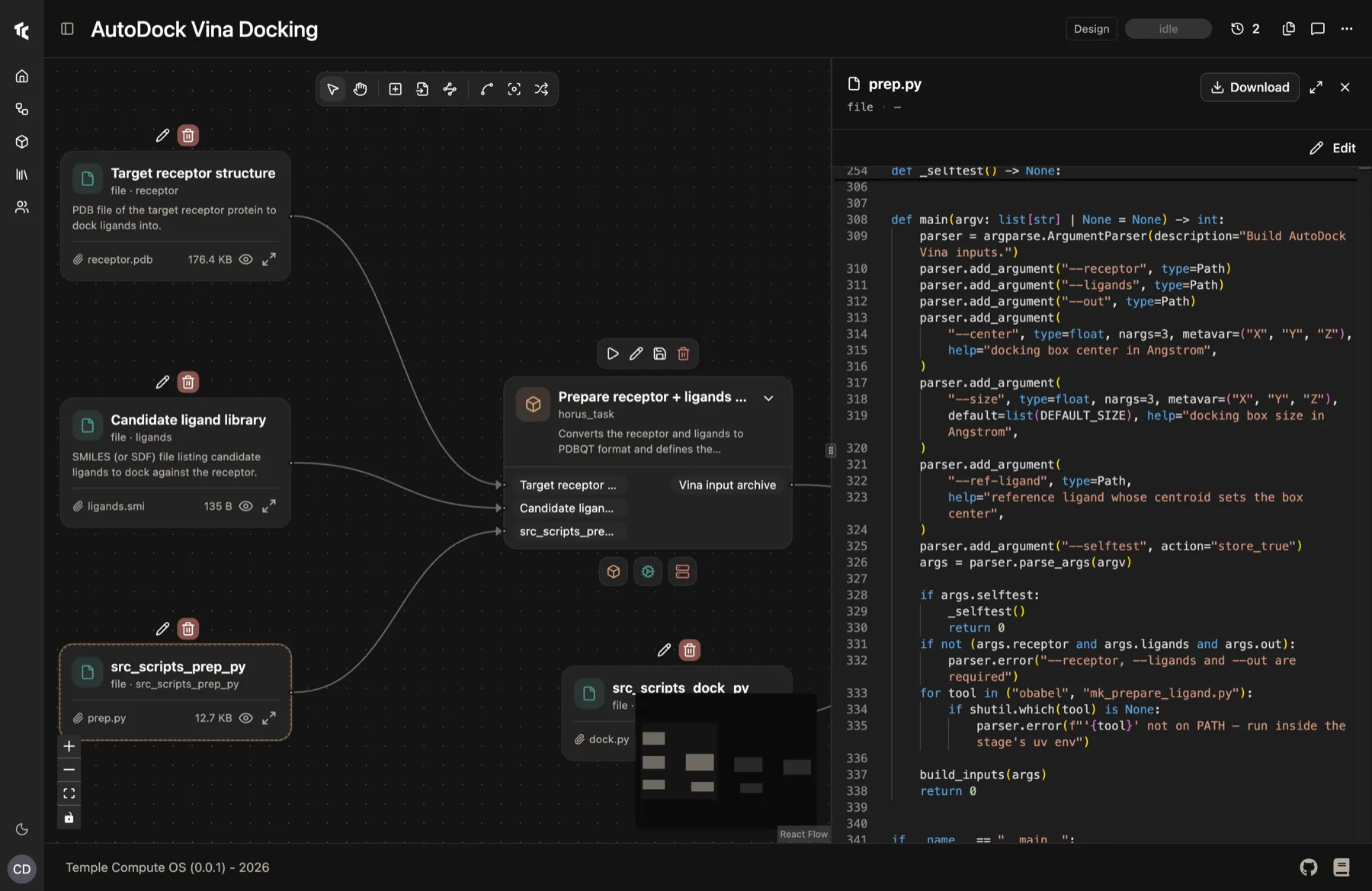
Build it
Drag stages onto a canvas. Each one is real code you can open and edit, not a block in a language you have to learn first. Connect them and the dependency graph resolves itself.
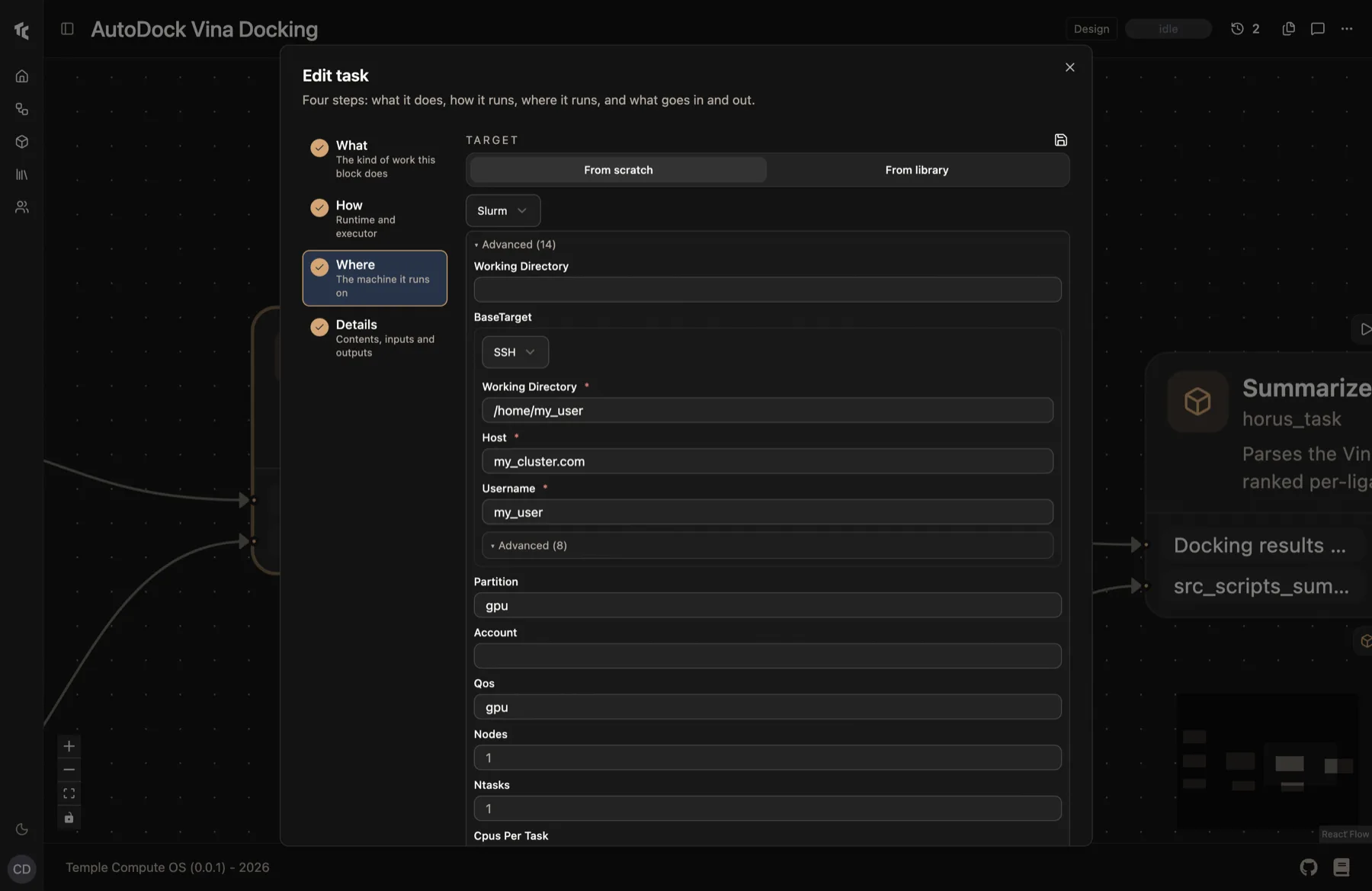
Say where it runs
Every stage gets a Where: an HPC queue over SSH, a cloud region, or the workstation under your desk. Inputs and outputs are staged between them automatically, with no agent or daemon to get approved on the cluster.
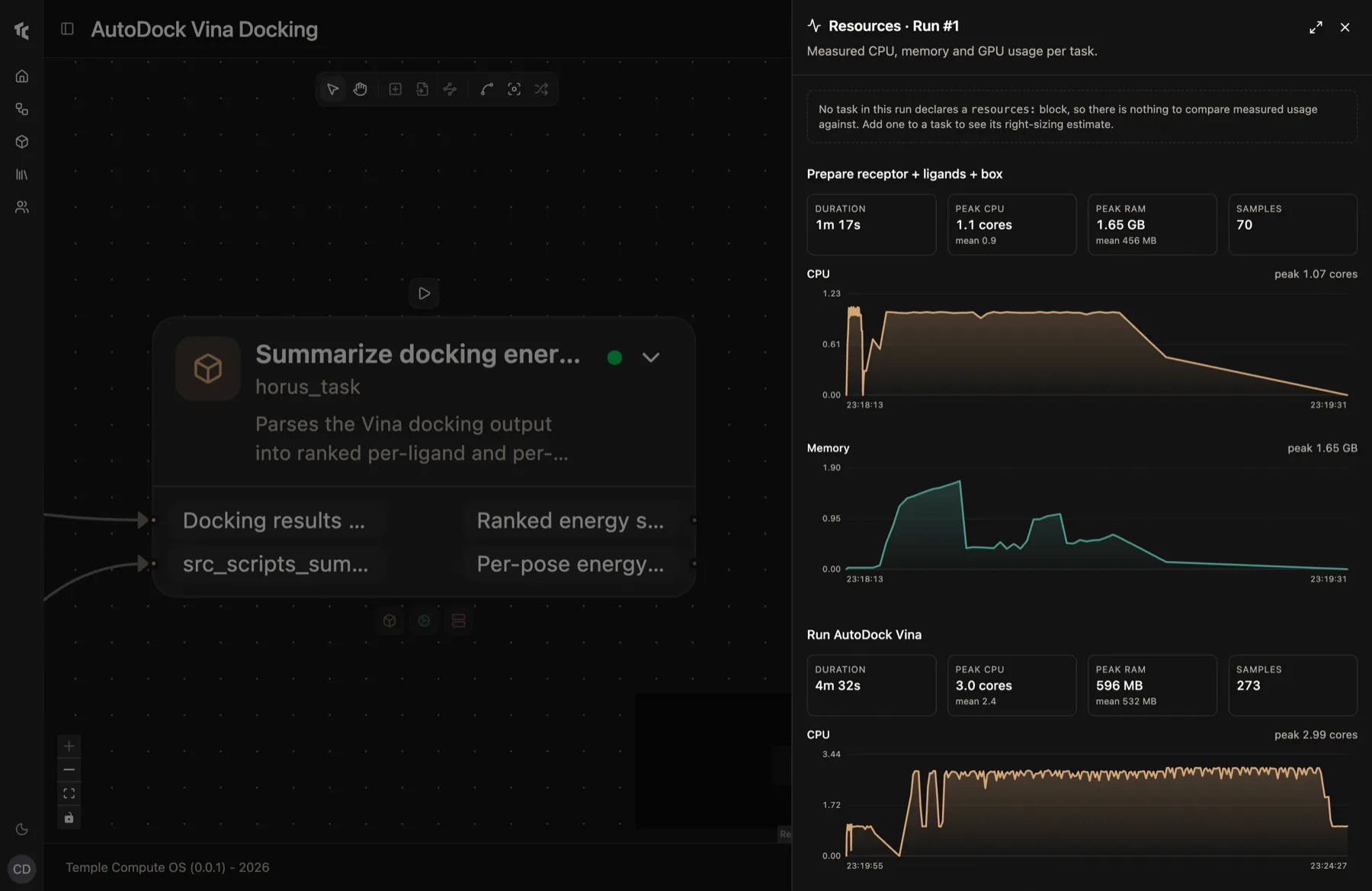
Watch it run
Status, resource use and logs update live, so you catch a failing stage while it is still running instead of after it has spent the budget.
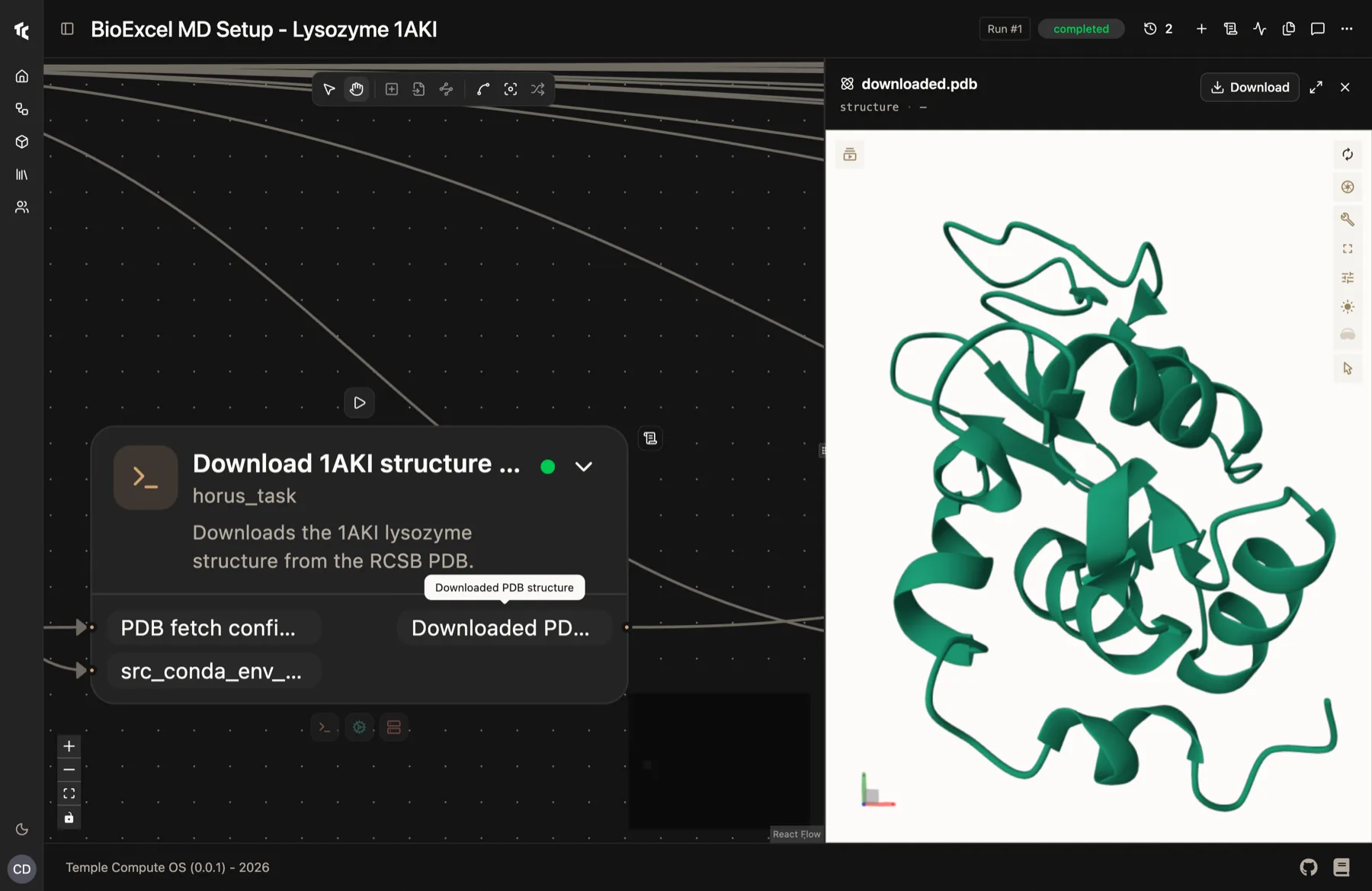
Keep the result
Every input, environment and output is recorded as the run happens. Restart from the stage that failed, not from the top.
No ticket to your sysadmin
Plain SSH
Horus talks to SLURM the same way you do. No agent, no daemon, no service account on the login node.
Your containers
Docker and Apptainer images, the ones your group already builds.
Your allocation
Institutional hours stay institutional hours. Cloud is added where you want it, not instead.
Your data
You choose which stage leaves the cluster, and which one never does.
Real workflows, not a feature list
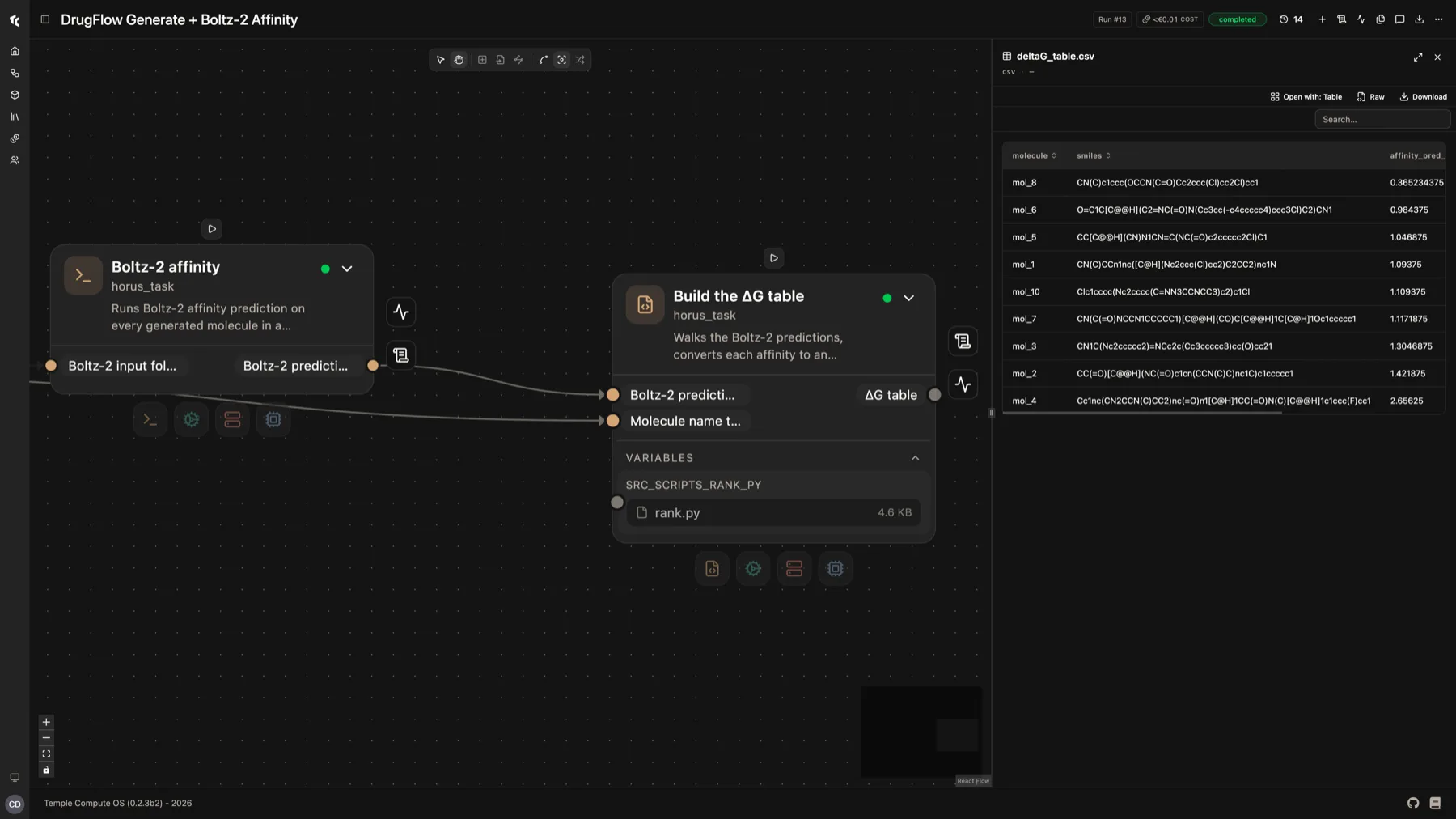
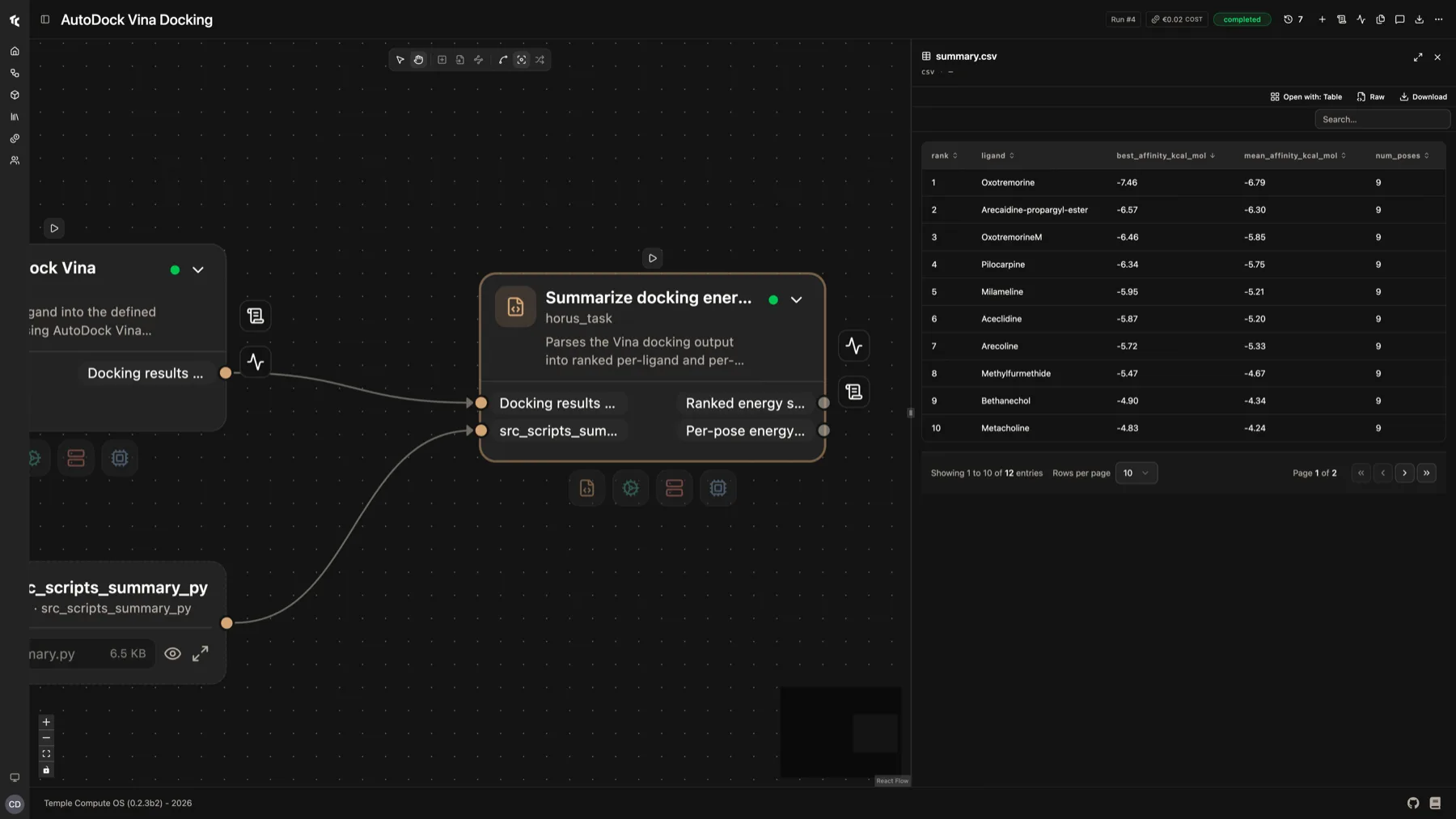
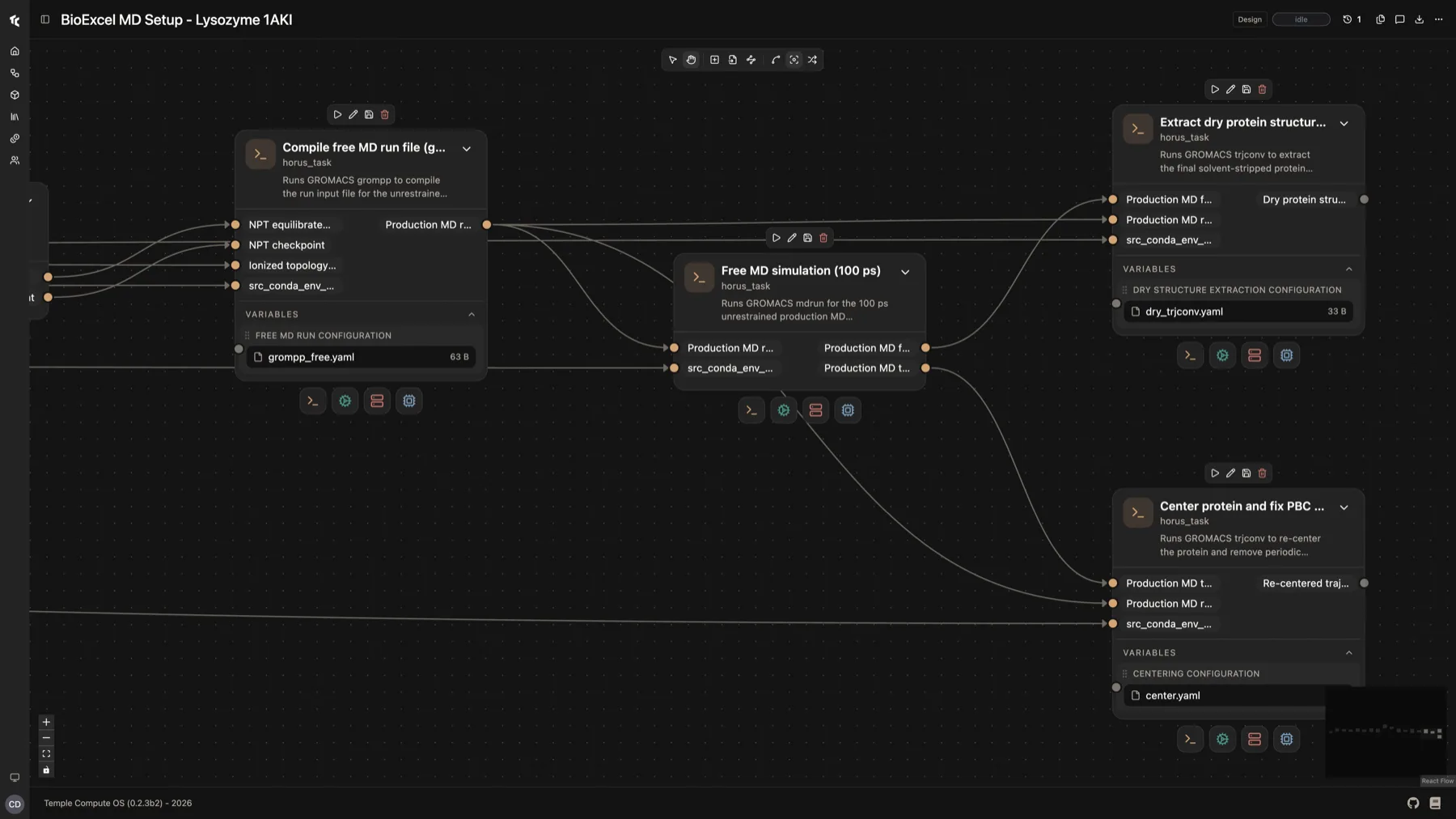
34 documented pipelines. Each one shows which stage runs where, and why there.
horus-runtime is free and ungated
The engine under Temple Compute OS. Install it today. AGPL v3.
Because the next result should not wait for infrastructure
Open Horus and run your first workflow, or run the open-source engine yourself today.